DAVID Documentation: Gene Report
Gene Report is a highly integrated view of a single gene and its general annotations/accessions from multiple resources. It can quickly give a global idea about the gene. The hyperlinks throughout the report will lead to users to original resources for further details.
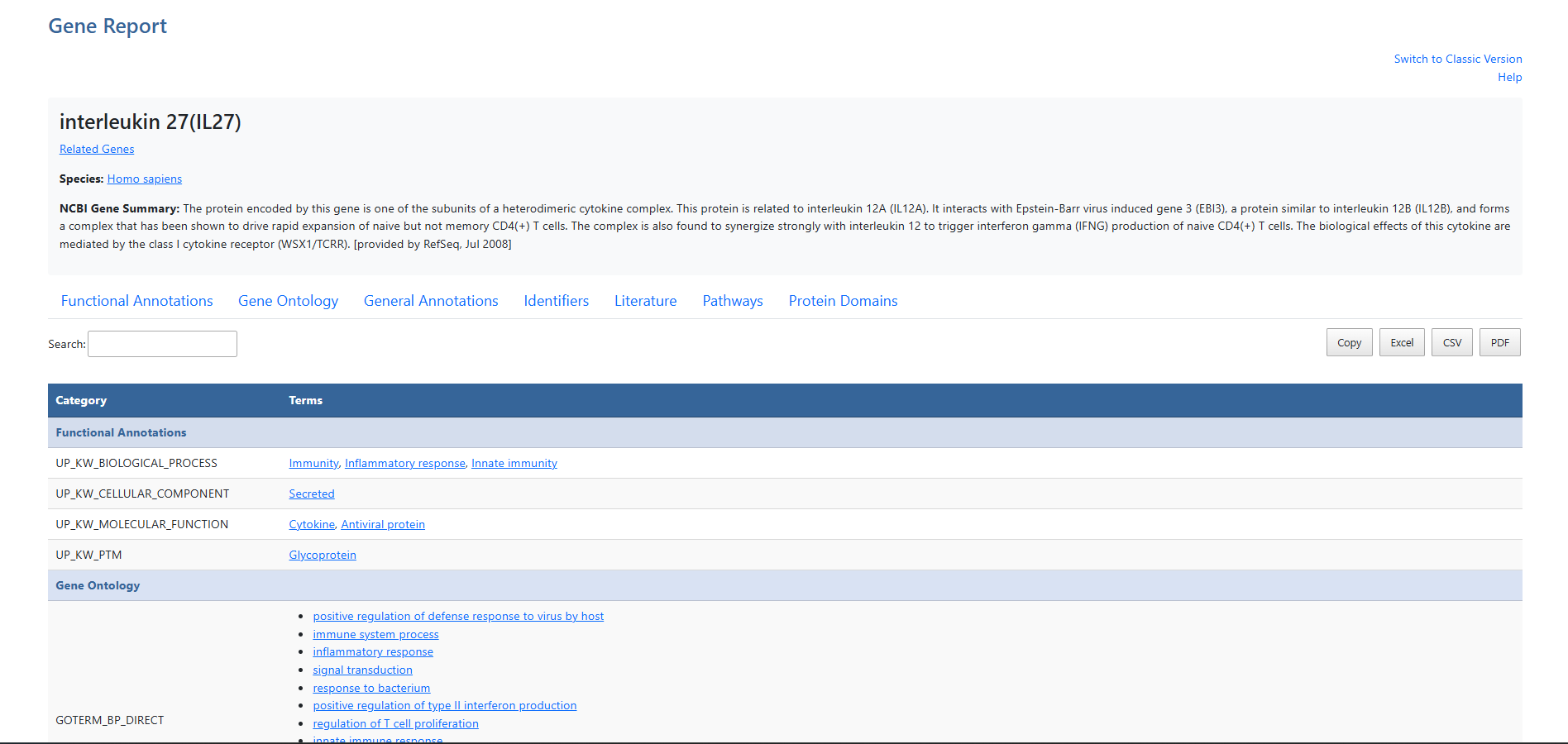
-
Help and Switch to Classic VersionLink to this help page and provides access to the legacy Gene List Report interface.
-
Gene name
-
Related Genes (RG)Click the Related Genes link to explore functionally related genes associated with each entry. For more information, see the Related Genes documentation page.
-
SpeciesClick the Species link to go to NCBI taxonomy entry.
-
Gene SummarySummary of gene information, provided by NCBI.
-
Navigate to categoriesClick the tabs to jump to desired category of annotations.
-
Search and Record CountThe search box filters table results in real time. The record count indicates total entries and the number of DAVID genes mapped.
-
Export OptionsResults can be exported using Copy, Excel, CSV, or PDF. Exports reflect the current filtered and sorted view.
-
CategoriesMain categories shown in blue. Navigation tabs will jump to tops of these main headers.
-
SubcategoriesSubcategories available per each resource.
-
AnnotationsAnnotations available for each item. If available, hyperlinks lead users to original resources for further detials.